GeoServer Course - Information, Fee, Syllabus.
Value Addition Course
Offline
Online
Duration: 16 hours
GeoServer Course Information
Course Title: Introduction to Geoserver
Duration: 16 hours
Training Modes: Offline/Online/Hybrid |Full Time/Part-time
Timing: Min 3 hours/day | Max 8 hours/day
GeoServer Course Eligibility
- Should have knowledge in HTML, CSS, JavaScript
- Knowledge of QGIS
- Understanding of GIS fundamental concepts
GeoServer Course Overview
This course teaches you how to administrate and publish GIS data with GeoServer, build your custom maps using your own data without the need for costly commercial softwares.
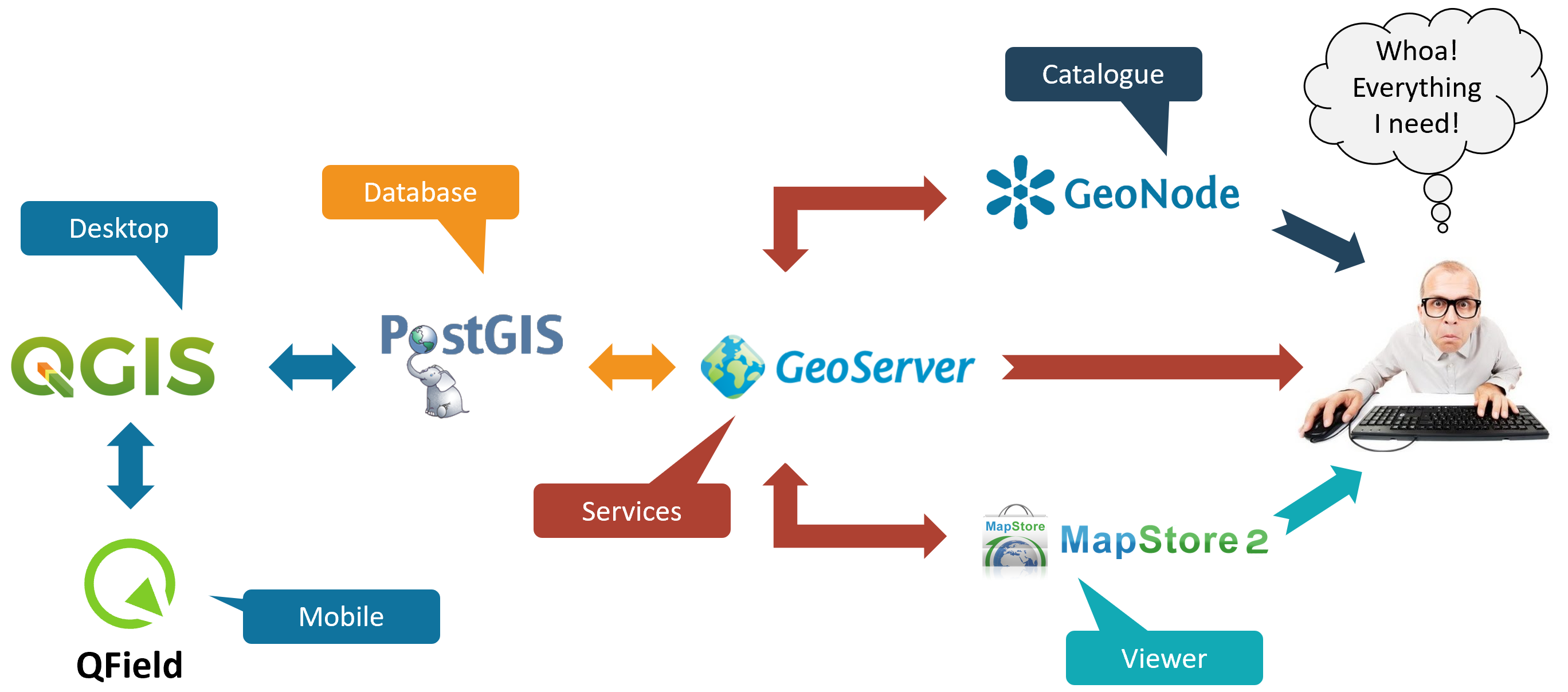
In this class attendees will learn how to load, publish, and share geospatial data with GeoServer. Including navigating the GeoServer user interface, OGC web services, styling data with SLD, connect to backend data such as PostGIS and tile caching with GeoWebCache.
Objectives of GeoServer Course
- Introduction to Geoserver
- Understand system requirement and Installation of Geoserver
- Creation of Workspace
- Creation of DataSource
- Creation of Layers
- Publishing layers from Shapefiles
- Publishing layers from PostGIS Database
- Publishing Raster Layers
- Creation of Styled Layer Descriptor(SLD), and QGIS GUI
- Assignment of Styles to Layers
- Apply Labels
- Apply Filter
- Publish Web Map Service
- Publish Web Feature service
- Advanced Geoserver Configuration
- Caching and Performance
- Project work
Softwares taught in GeoServer Course
- GeoServer
Technologies included in GeoServer Course
- WebGIS